Premiere Pro & DaVinci Resolve · Edit Lab
Video Editing Course in Calicut
A 14-week, offline video editing course in Calicut. You cut in Premiere Pro, grade and mix in DaVinci Resolve, edit reels and YouTube the way clients want them, and leave with a showreel that agencies and production houses in Kozhikode can judge you on.
- Duration
- 14 Weeks
- Level
- Beginner → Pro
- Syllabus
- 10 Modules
- Lab
- Edit Lab
Why study here
Why take the video editing course in Calicut at Rootmedia
- 01
Calicut briefs video every week
Showrooms, restaurants, builders, clinics and Gulf-facing brands in Kozhikode post reels and ads constantly, and most of it is cut by local agency and freelance editors. The course is built around those real formats: vertical hooks, captions, product films, event edits.
- 02
An edit lab, not a lecture hall
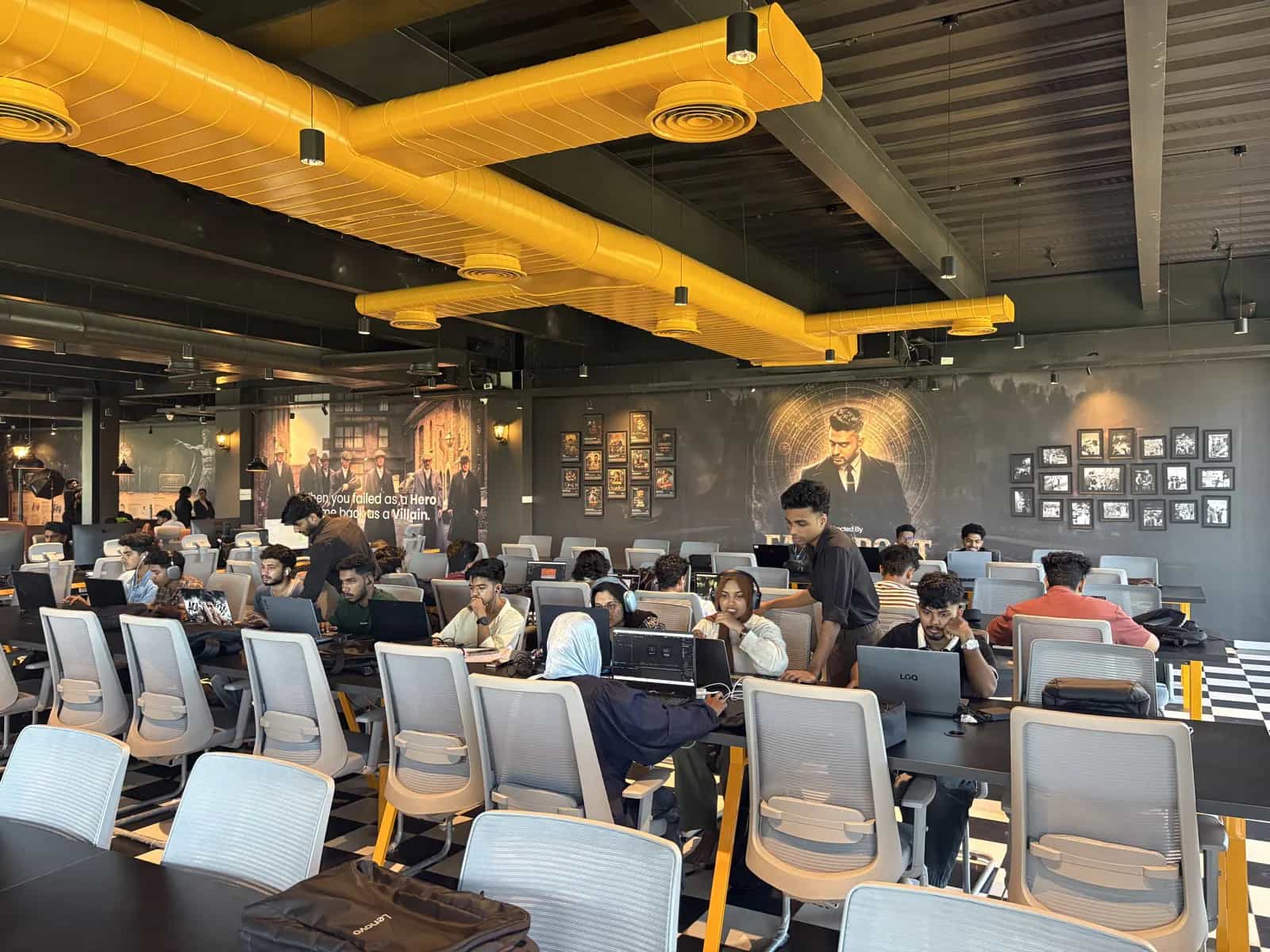
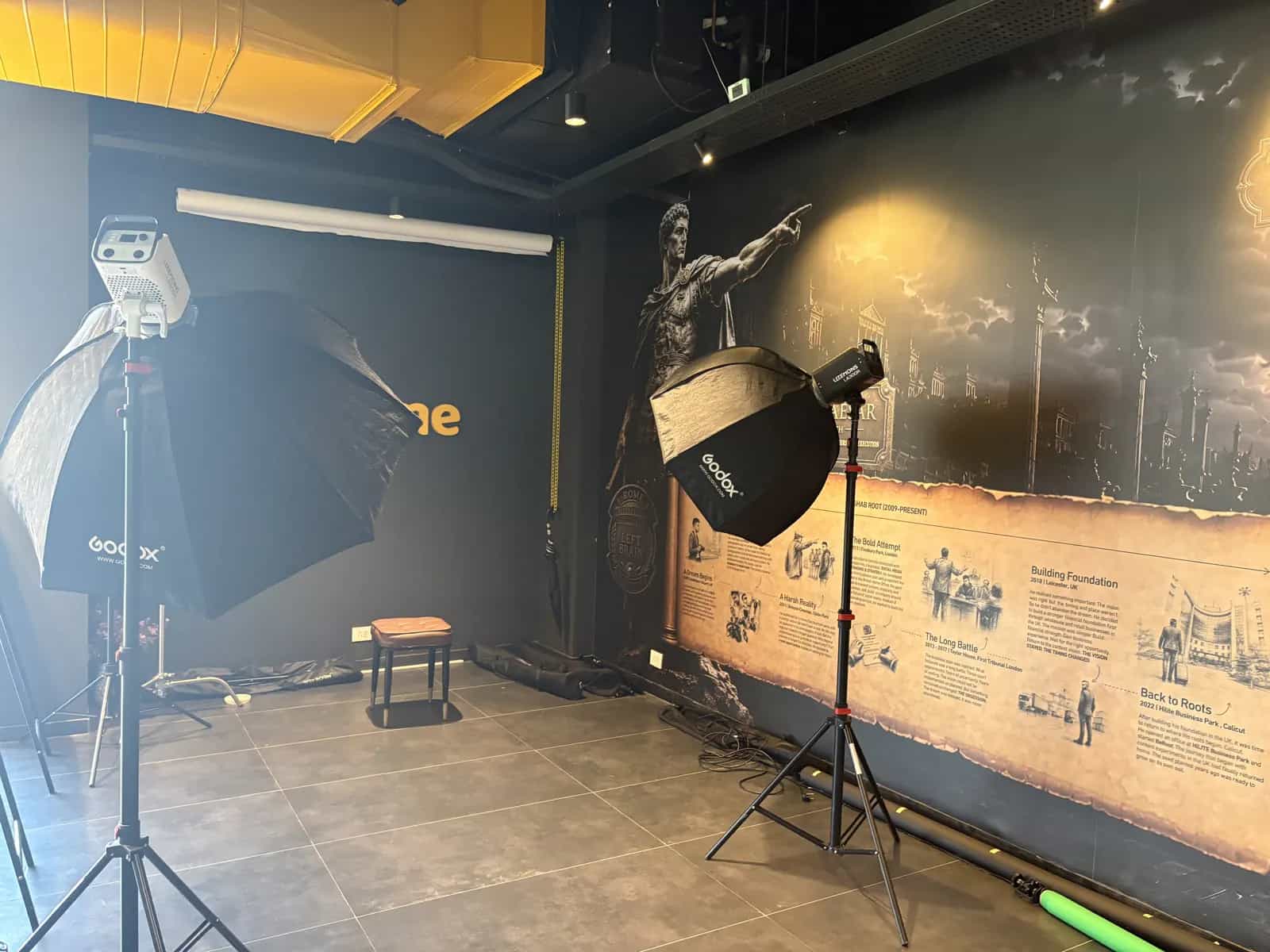
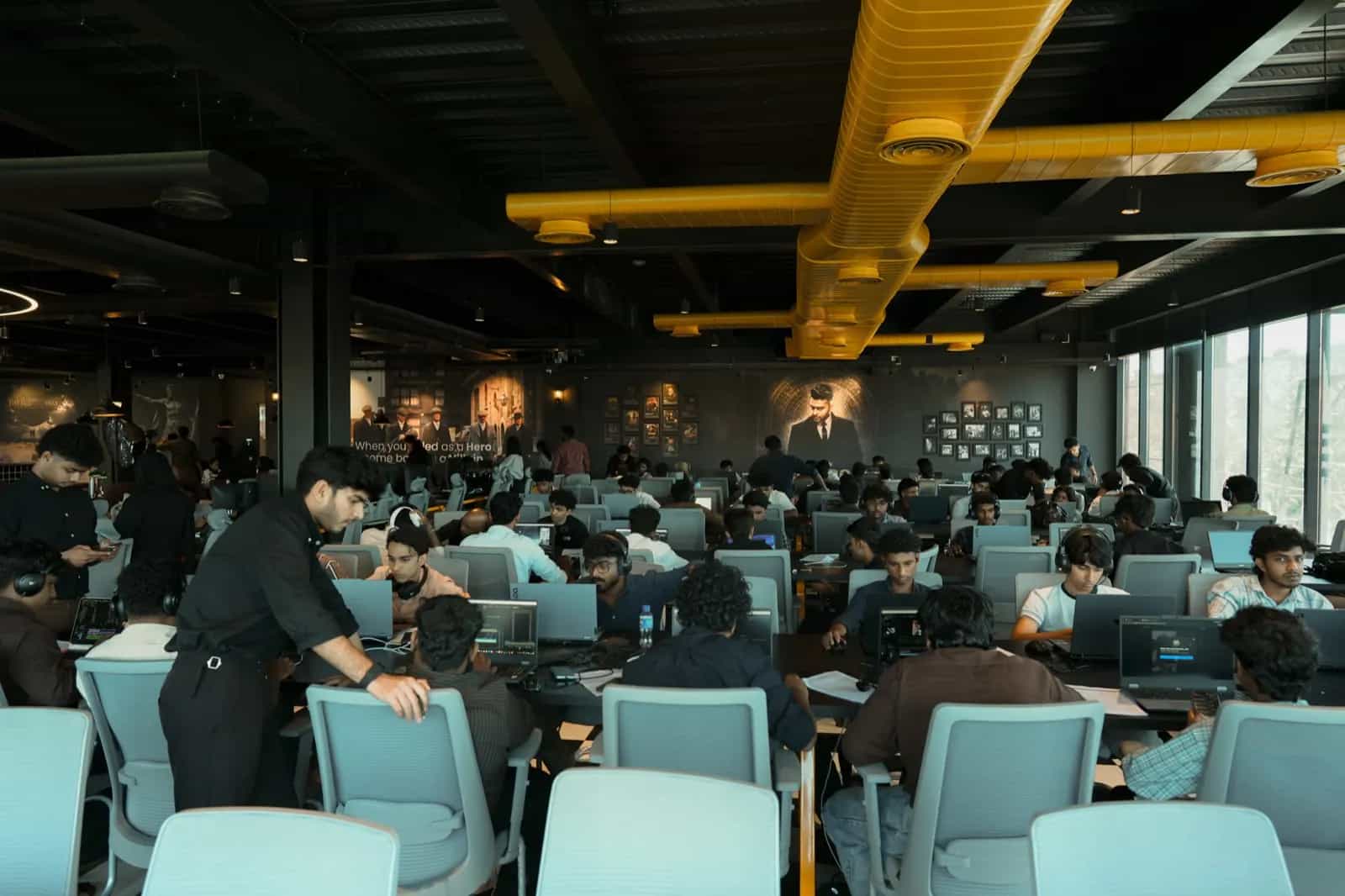
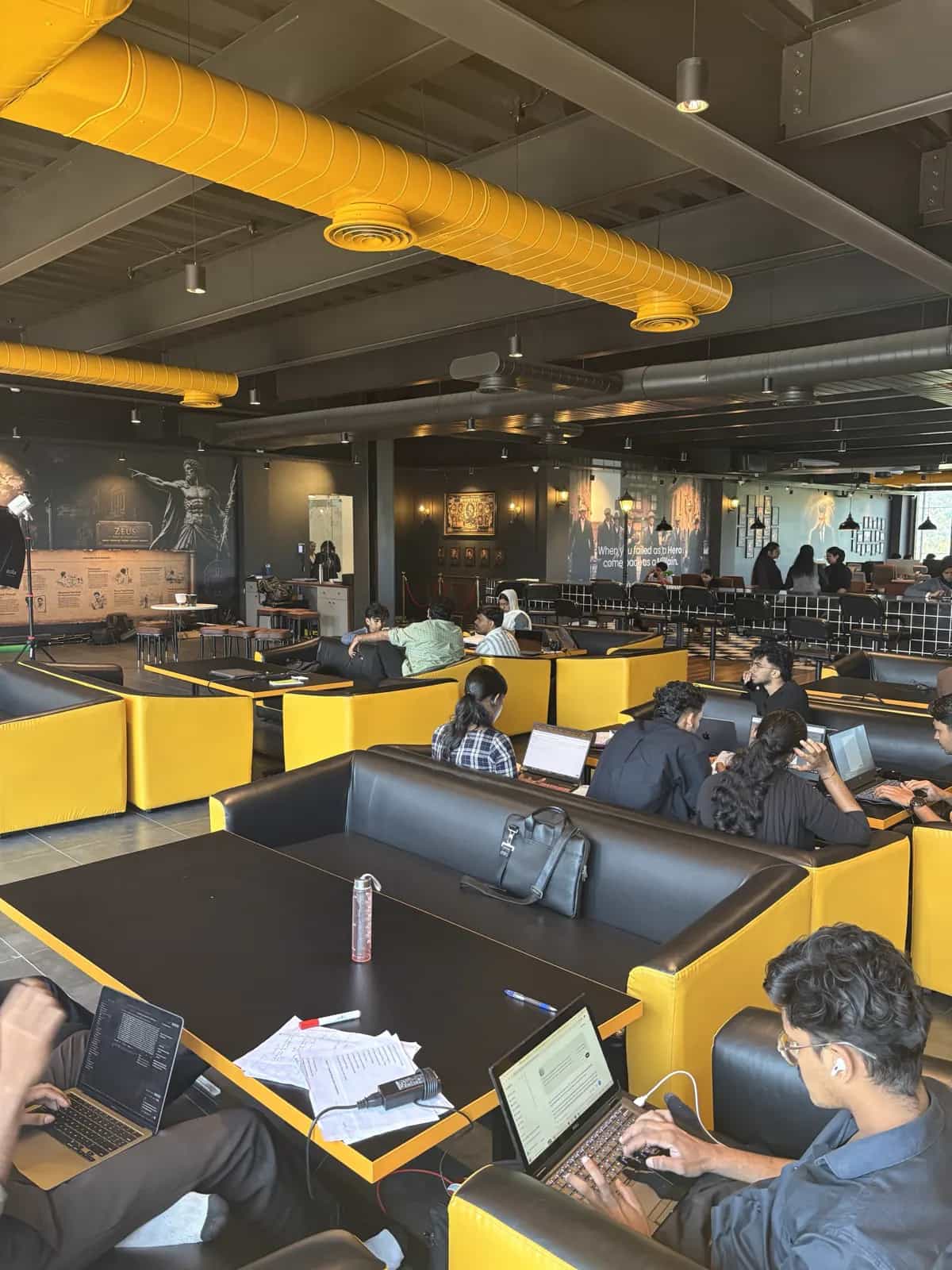
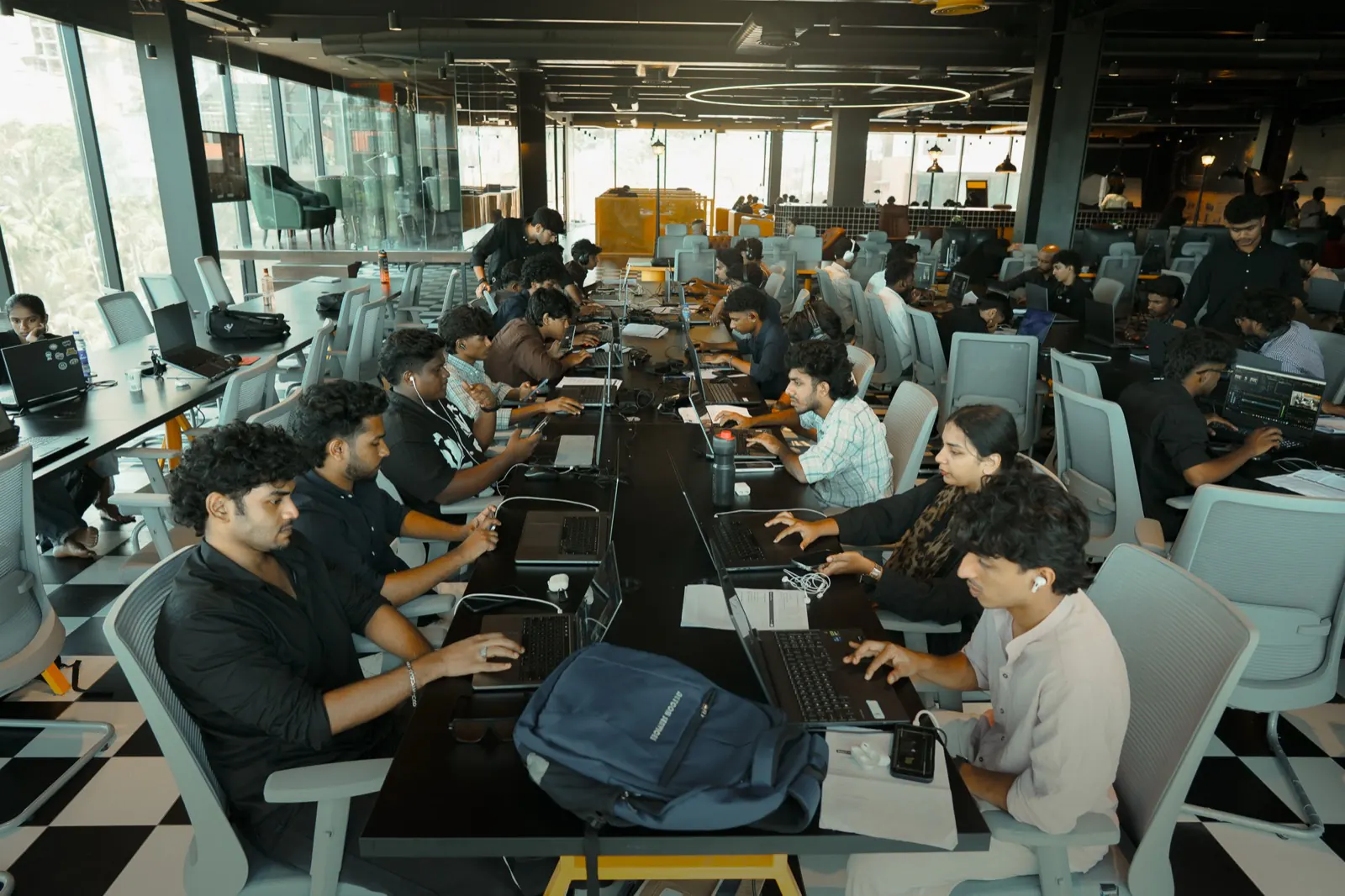
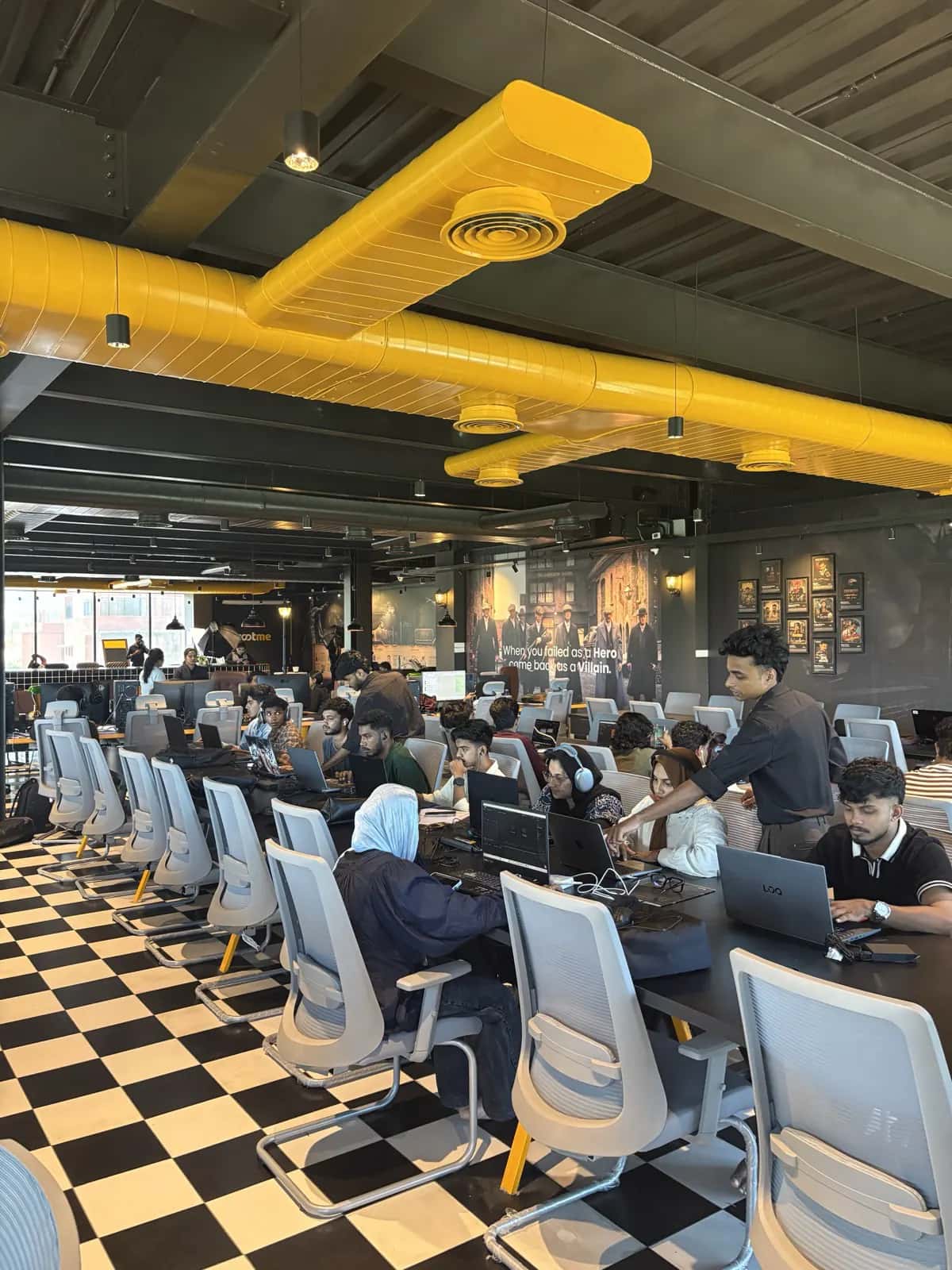
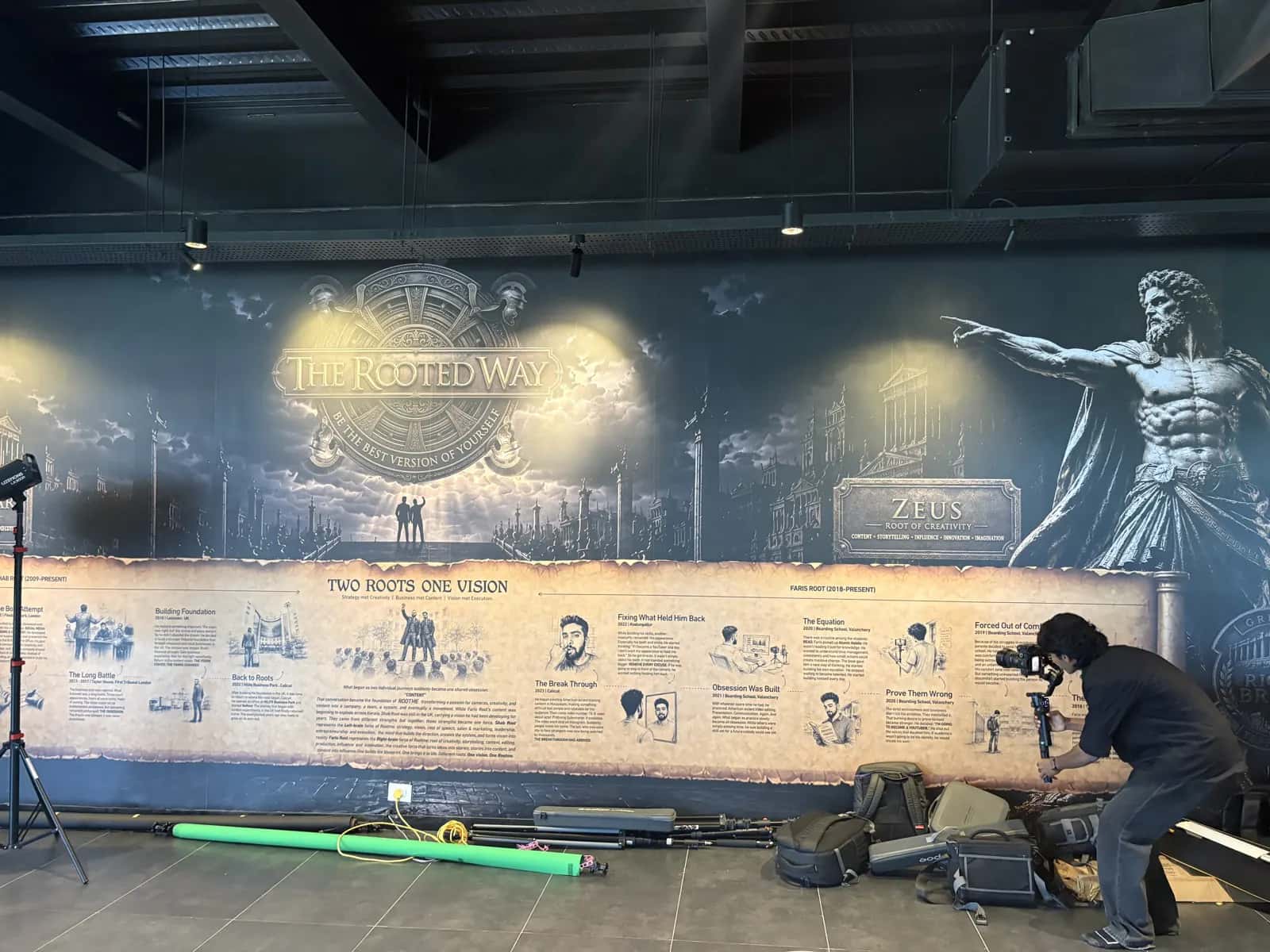
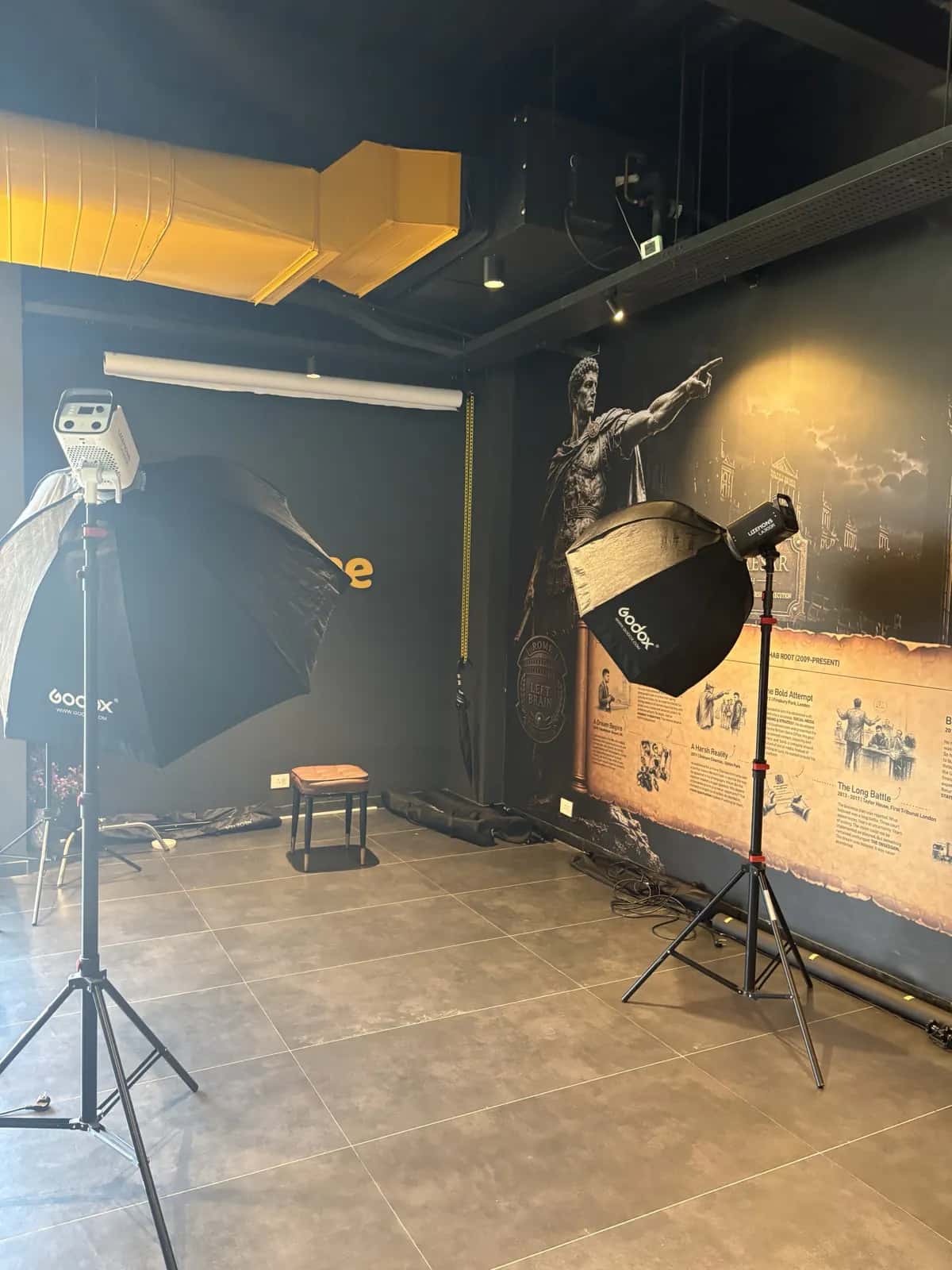
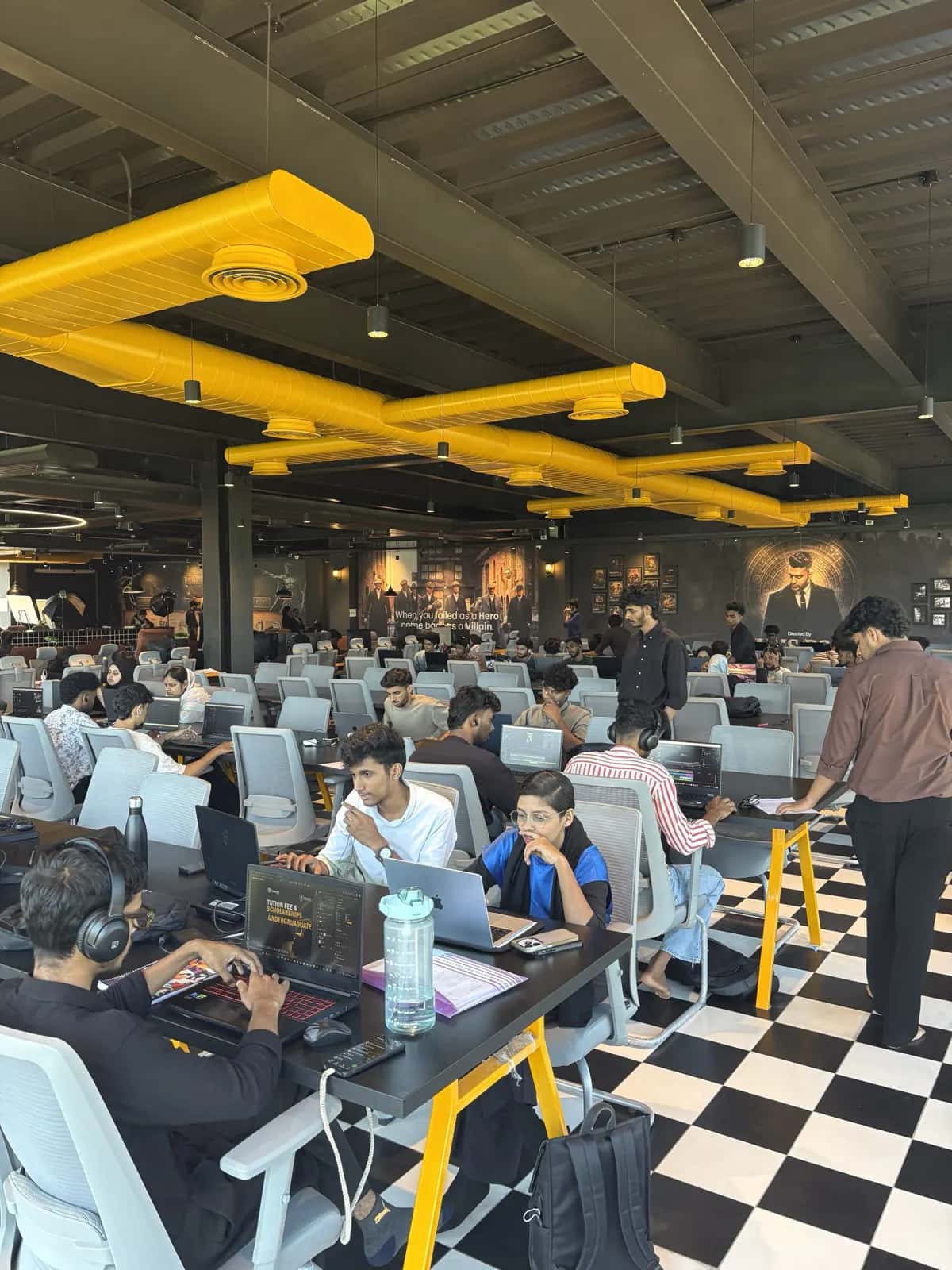
Sessions run in the Rootmedia Edit Lab at HiLITE Business Park, with graded reference displays and an in-house shoot studio, so you judge a grade on a proper screen and edit footage shot for the course.
- 03
Two apps, one pipeline
Most institutes teach one piece of software. Here Premiere Pro is the cut and DaVinci Resolve is the grade, the Fairlight mix and the master. You learn to take a card dump all the way to a delivered film.
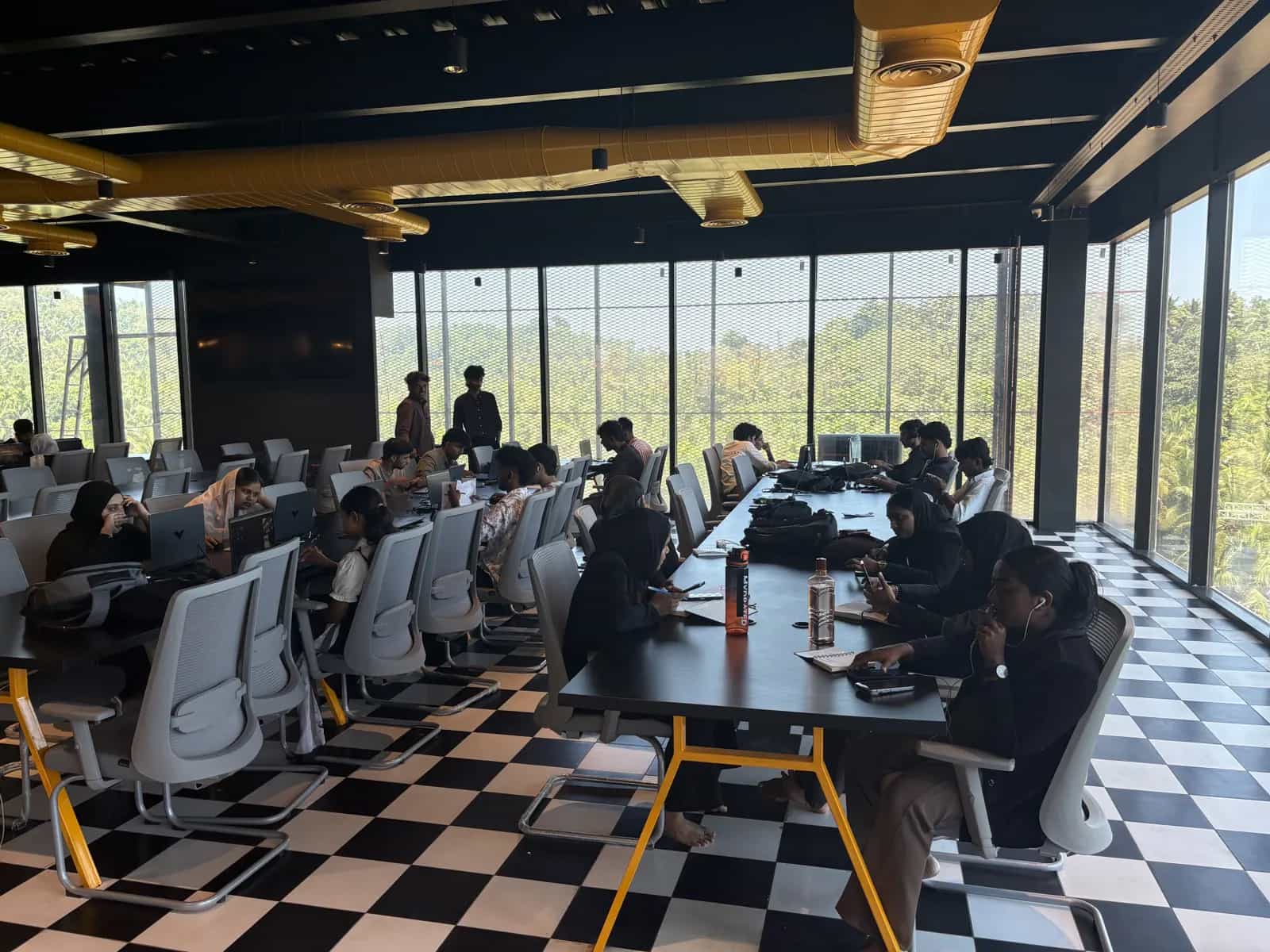
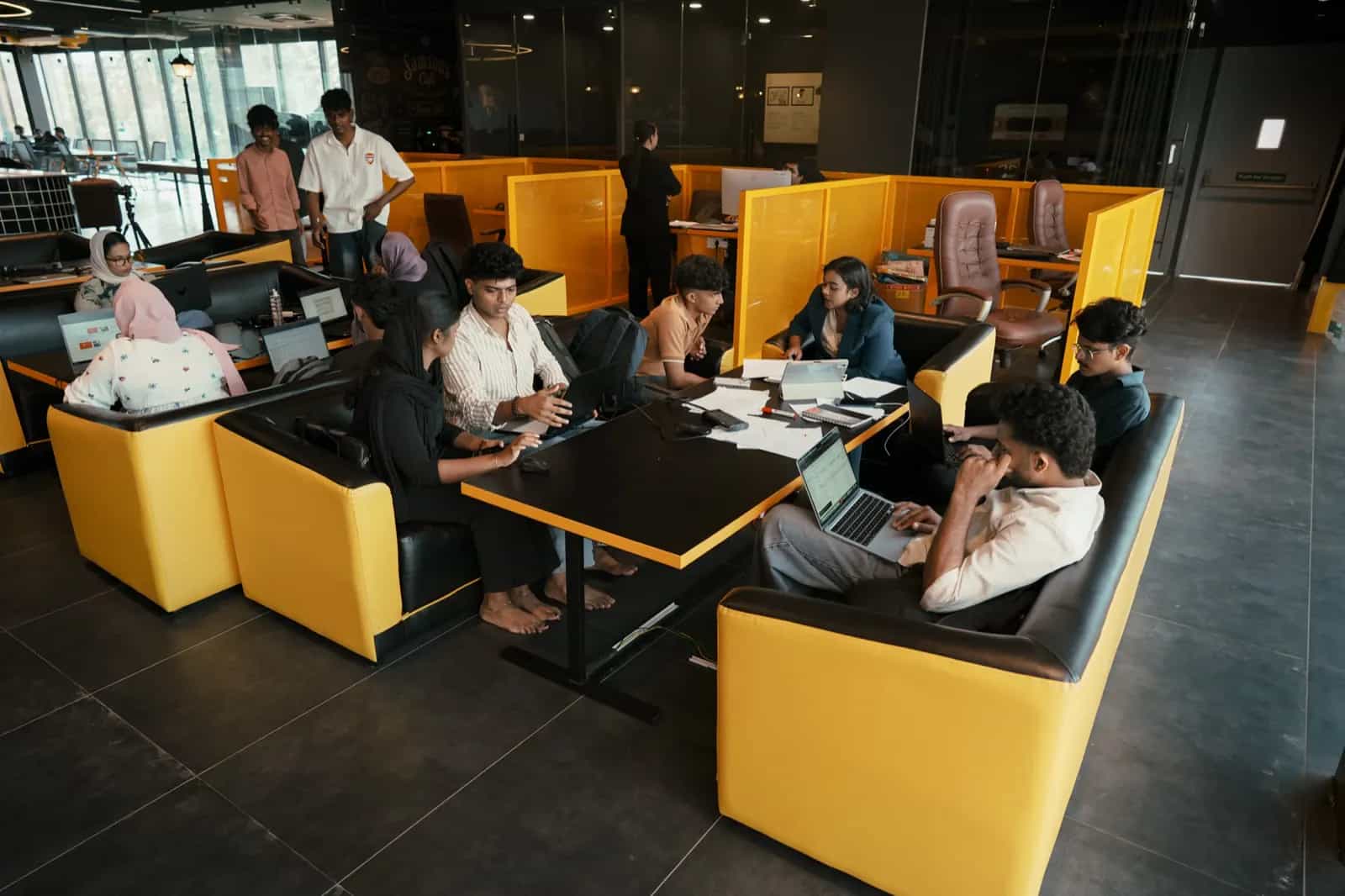
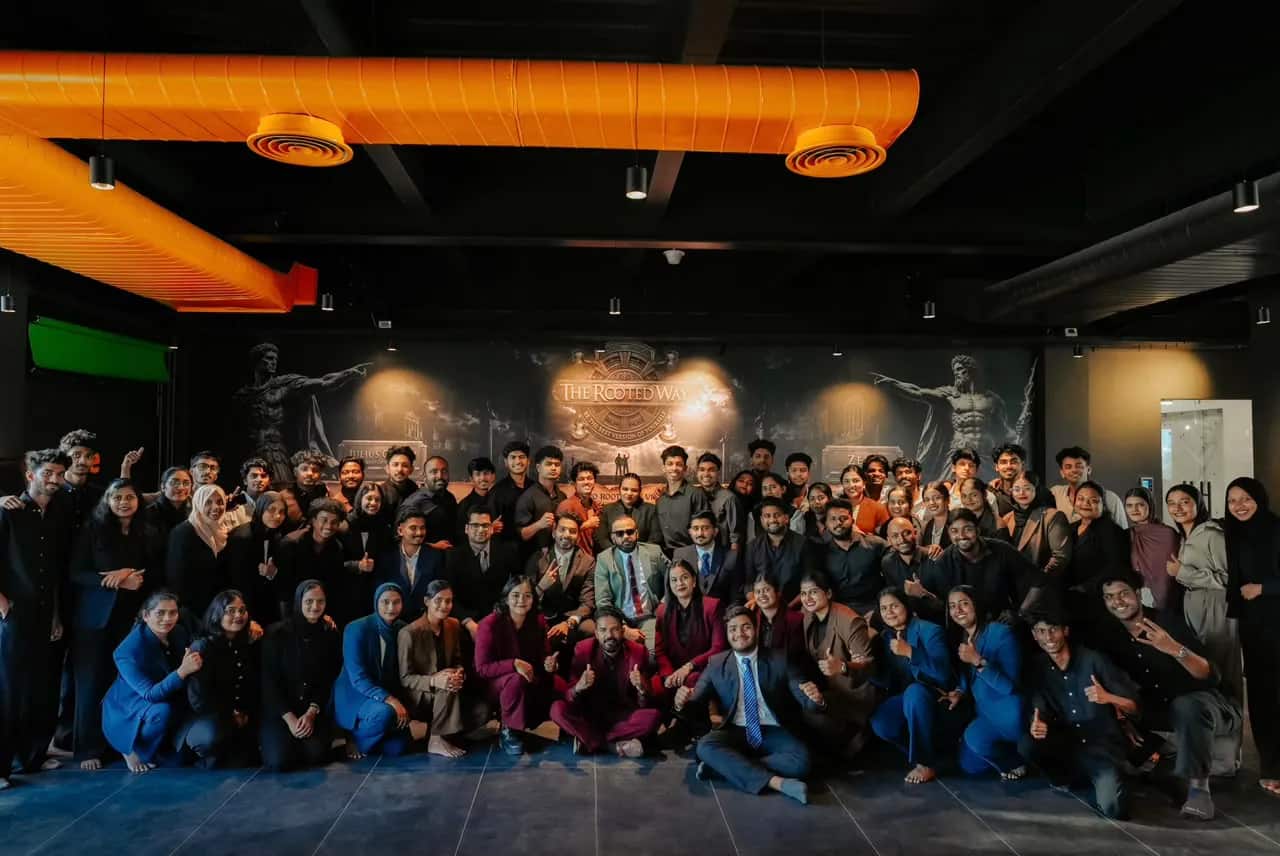
Inside the Rootmedia Edit Lab in Calicut
Syllabus
Video Editing course syllabus
- 01
Premiere craft
Bins, timelines, multicam, and an edit that can take notes.
- 02
Editorial taste
Pacing, coverage, and when to hold a shot.
- 03
Sound in the cut
Temp mix, sync, and what to leave for Fairlight.
- 04
Round-tripping
XML / AAF into Resolve without breaking the grade.
- 05
DaVinci colour
Primary, secondary, nodes and matching cameras.
- 06
Looks
Look development that survives different displays.
- 07
Fairlight
Dialogue, beds and a deliverable loudness spec.
- 08
Social & captions
Vertical, safe area, burned-in and sidecar captions.
- 09
Masters
ProRes, H.264, HDR/SDR and versioning for clients.
- 10
Showreel week
Select, sequence and finish work that books jobs.
About this video editing course
Most editing courses teach one piece of software. This one teaches the pipeline. Premiere Pro for the cut — multicam, nested sequences, captions, delivery. DaVinci Resolve for the look — nodes, colour management, Fairlight, and a master that survives YouTube and a cinema screen.
You will cut brand films, YouTube sequences and vertical hooks, then take the same piece into Resolve for a grade that is not a LUT slapped on at 11pm. Mentors mark the work the way a senior would: does it hold, does it match, can a client sign it off.
The track is long enough to stop guessing shortcuts. Beginners learn the desk. Working editors add DaVinci without unlearning Premiere. Everyone leaves with a showreel and a finishing workflow, not a folder of tutorials.
Who it's for
- Beginners who want the tools houses actually use
- Premiere editors who need a real grade, not a LUT pack
- Career switchers aiming at assistant editor and colour-assistant roles
What you leave with
- Cut narrative, social and commercial pieces in Premiere Pro
- Grade and finish in DaVinci Resolve with a managed colour pipeline
- Mix dialogue and beds in Fairlight to a usable loudness
- A showreel ready for agencies and production houses
Careers after a video editing course in Calicut
Video editor — agency or production house
Brand films, ads and corporate videos cut in Premiere Pro to a brief and a deadline.
YouTube & reels editor
Long-form YouTube edits and vertical short-form content with hooks, captions and pacing that hold attention.
Assistant colourist / colourist
Grading and finishing in DaVinci Resolve with a managed colour pipeline.
Post-production assistant
Media management, proxies, conform, sound clean-up and delivery masters.
Freelance editor
Editing for creators, brands and businesses in Calicut and remotely, with a showreel that wins the work.
Where they landed
50+ creators placed.
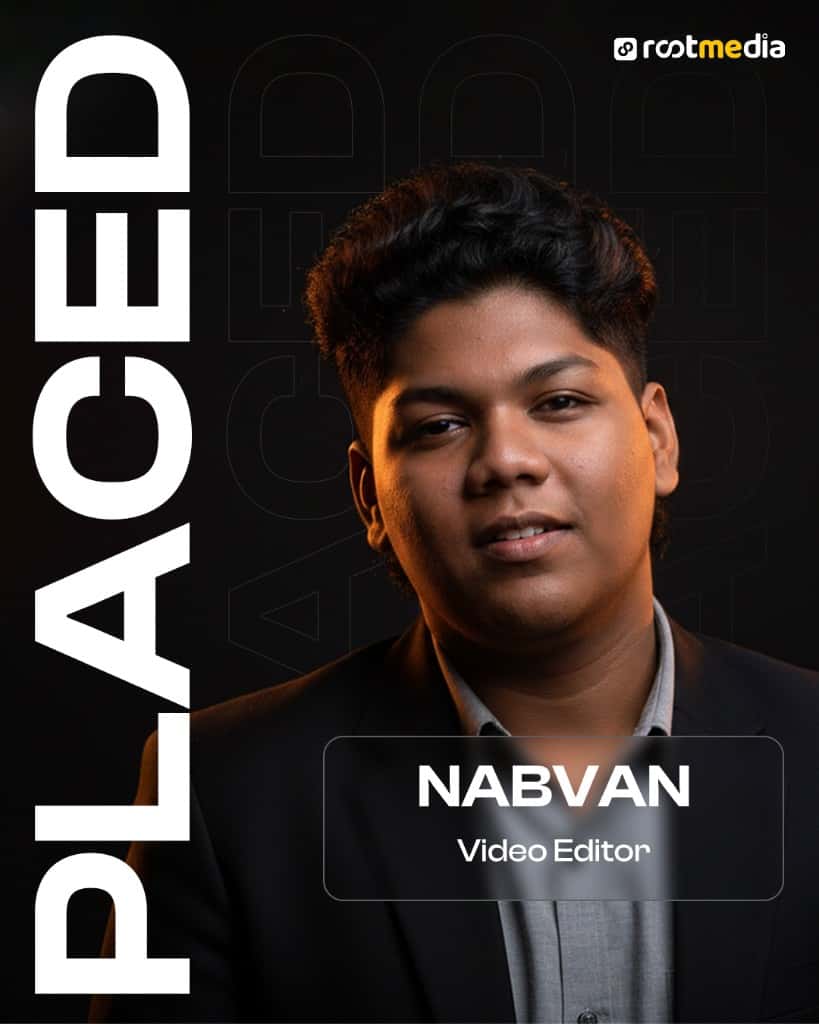
Nabvan
Video Editor
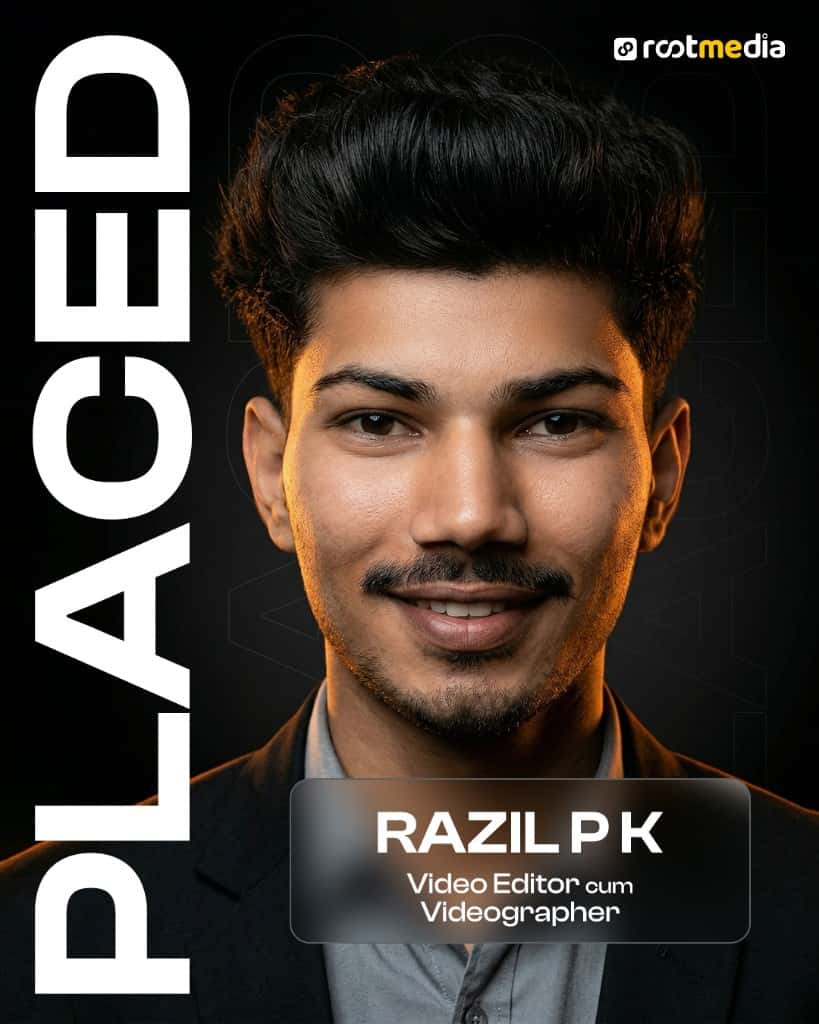
Razil P K
Video Editor · Videographer
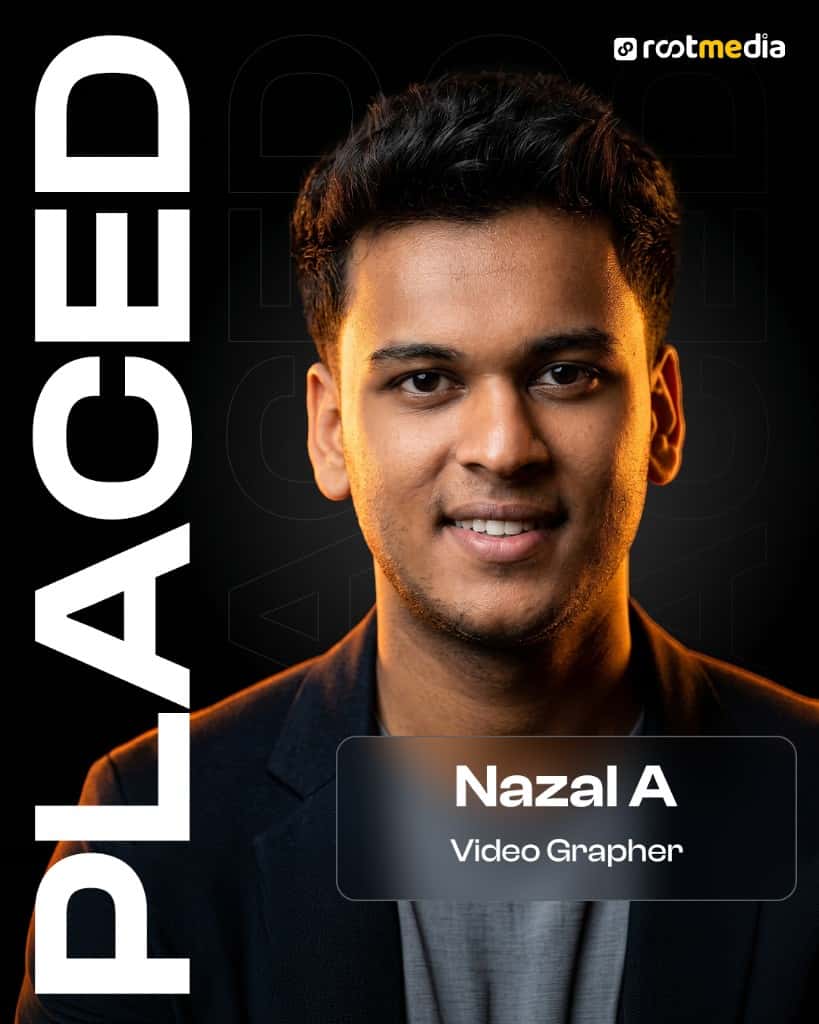
Nazal A
Videographer
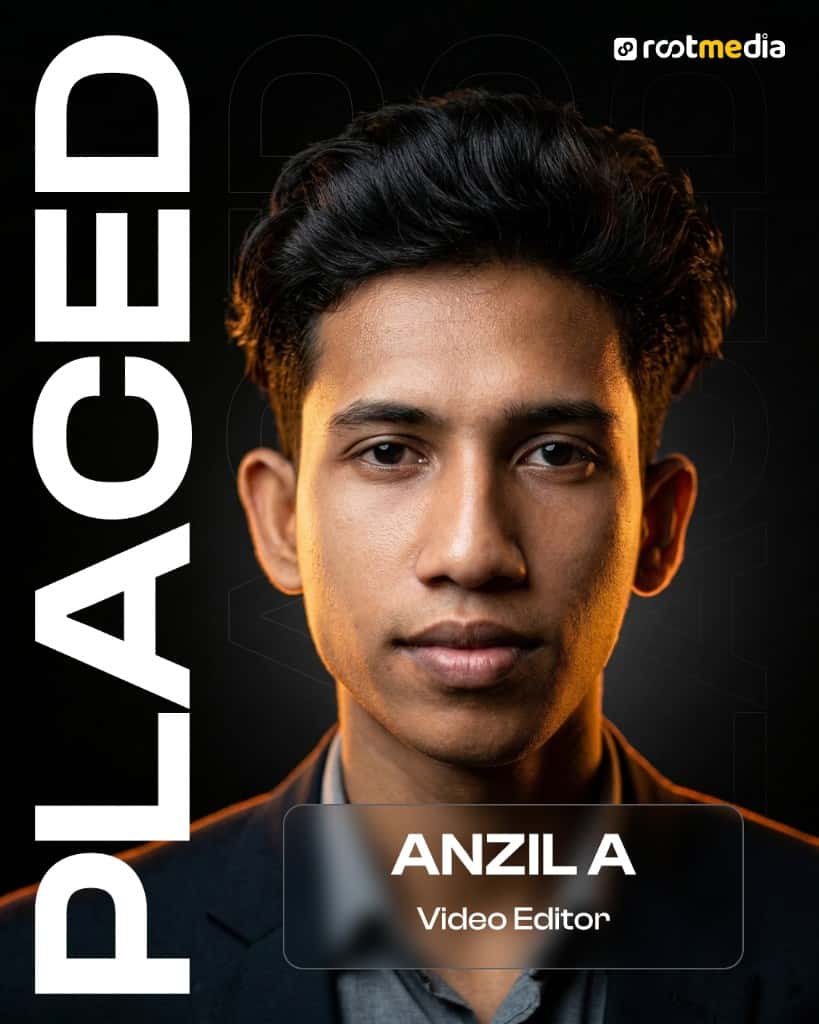
Anzil A
Video Editor
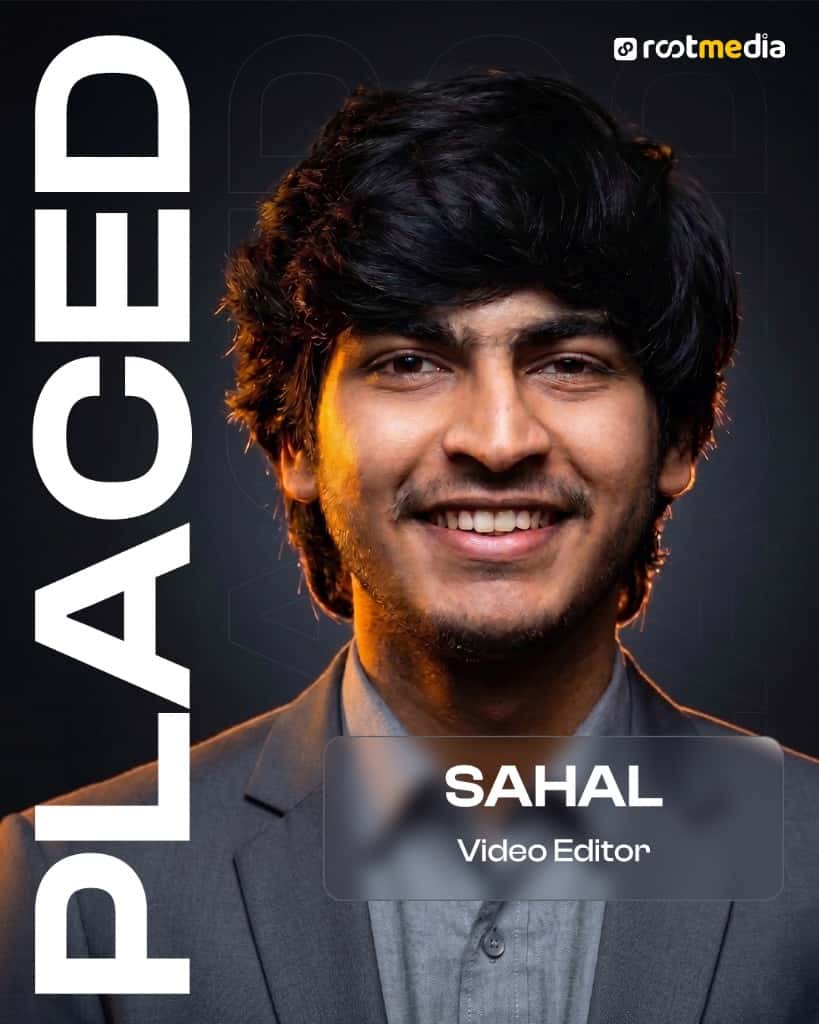
Sahal
Video Editor
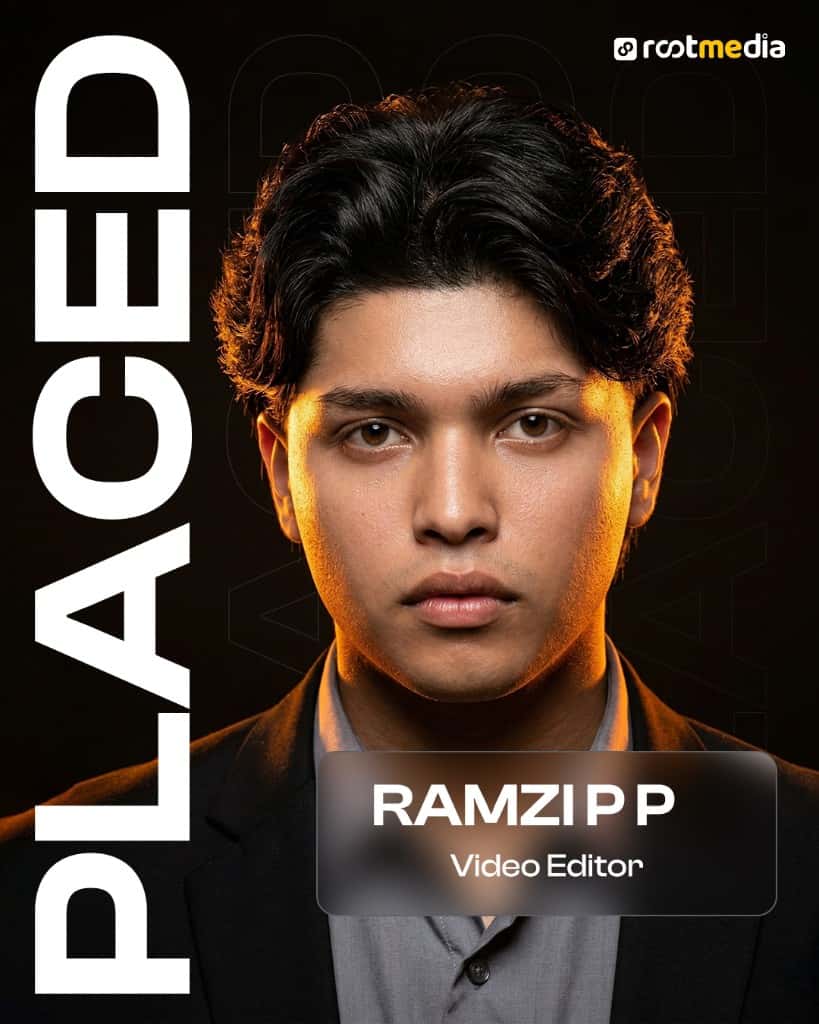
Ramzi P P
Video Editor
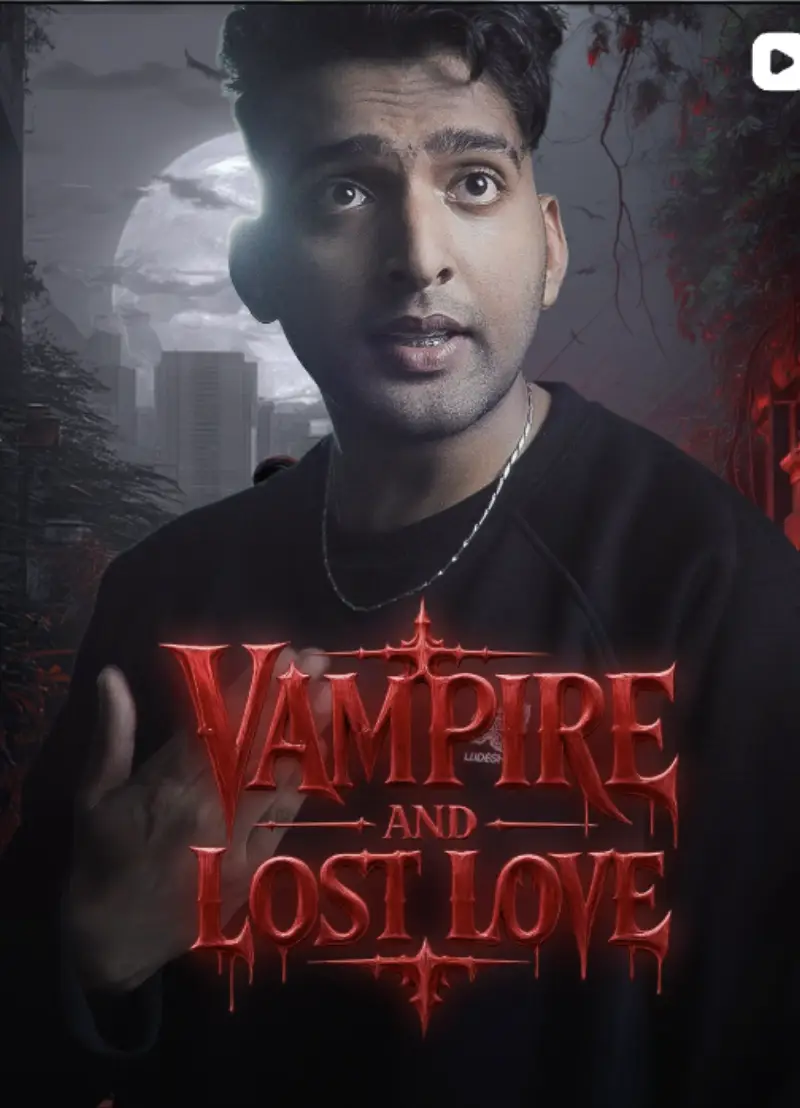
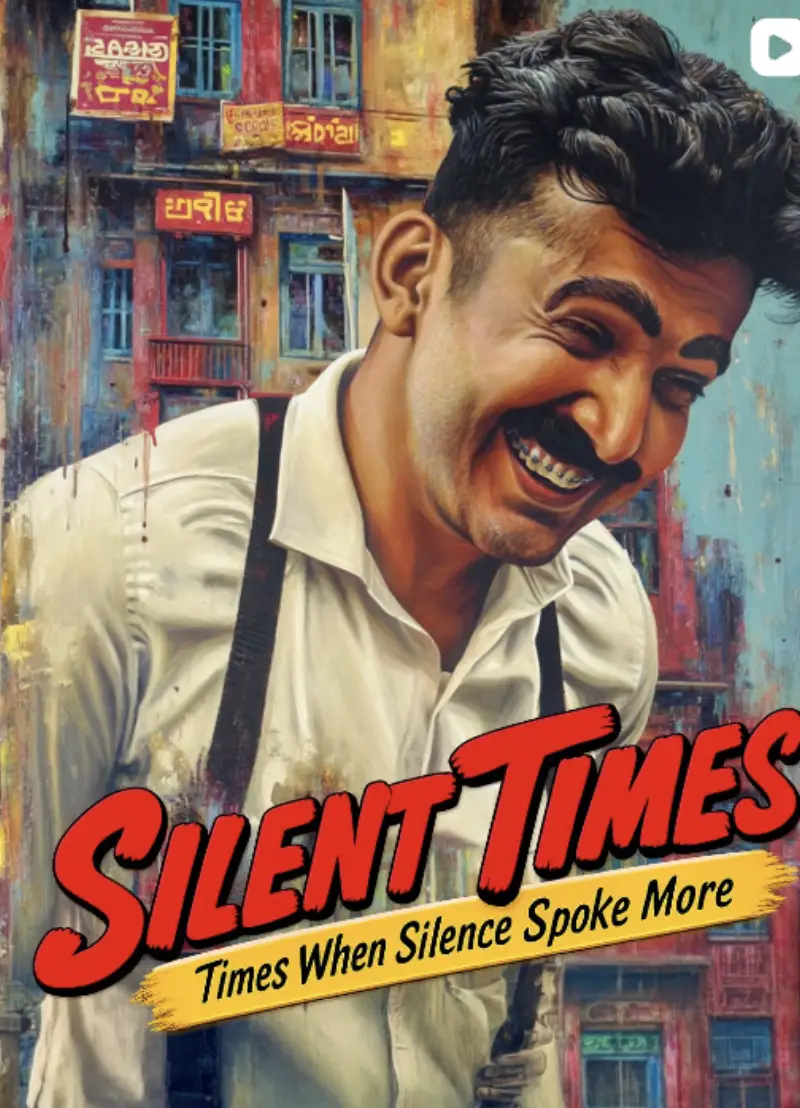
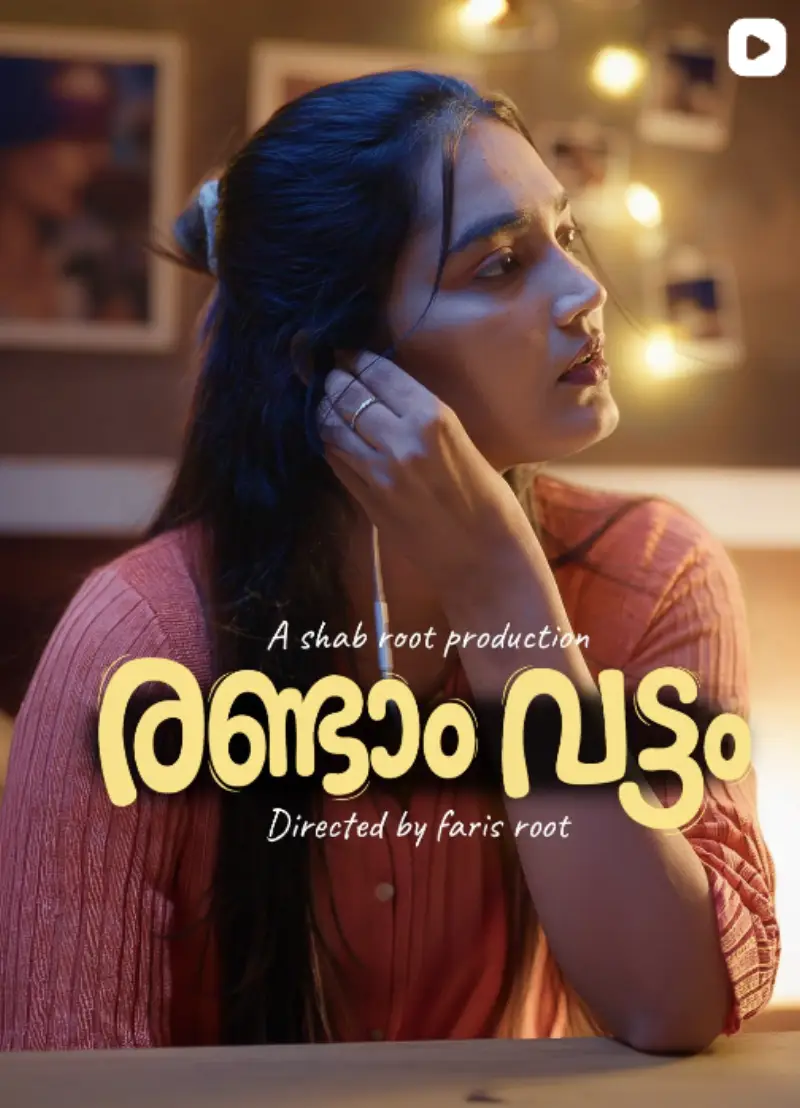
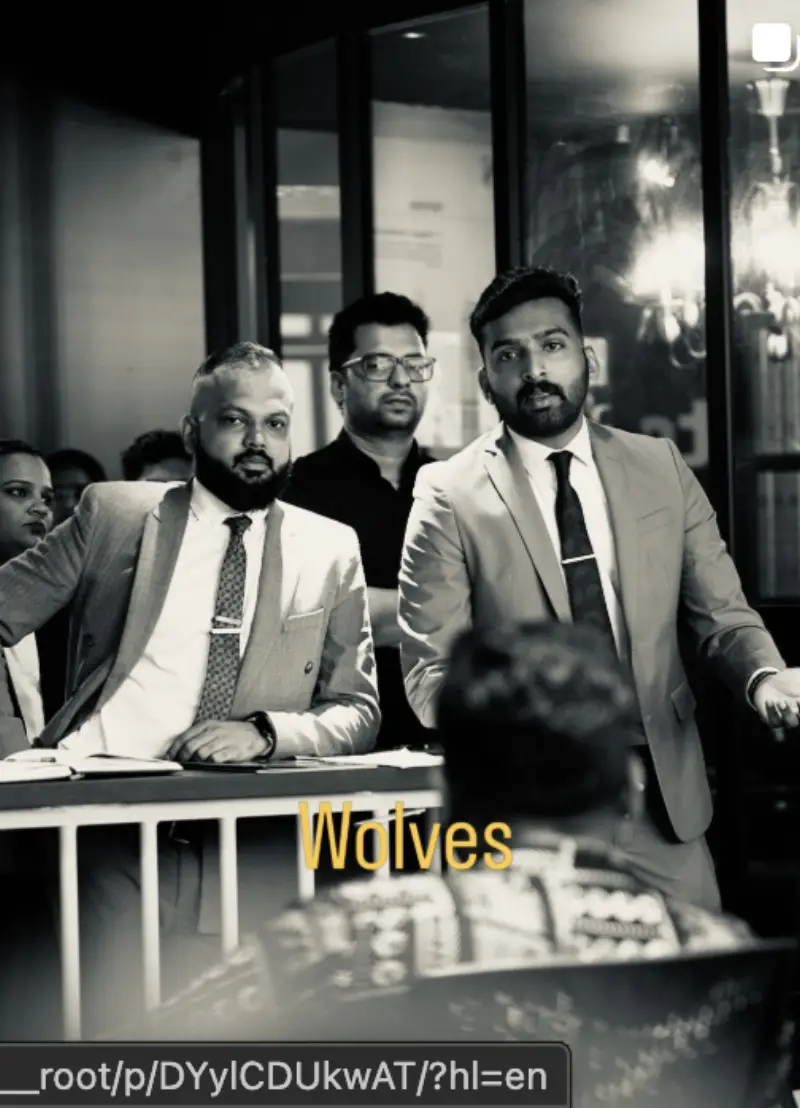
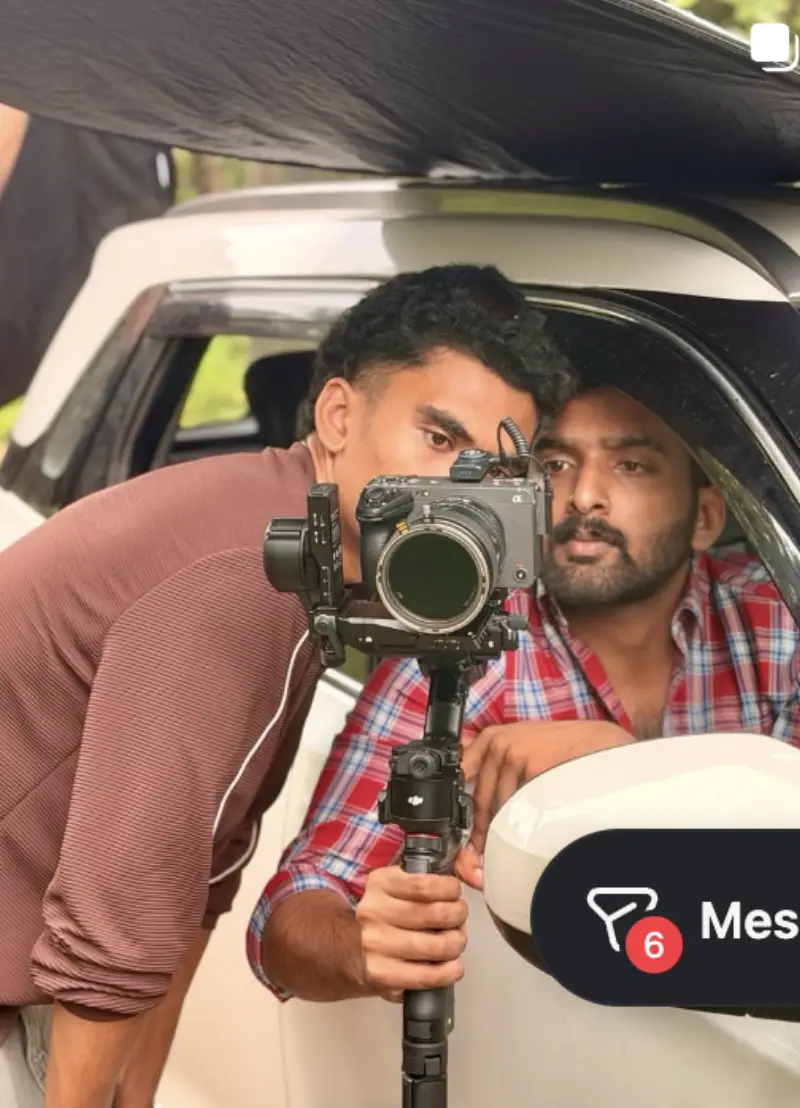
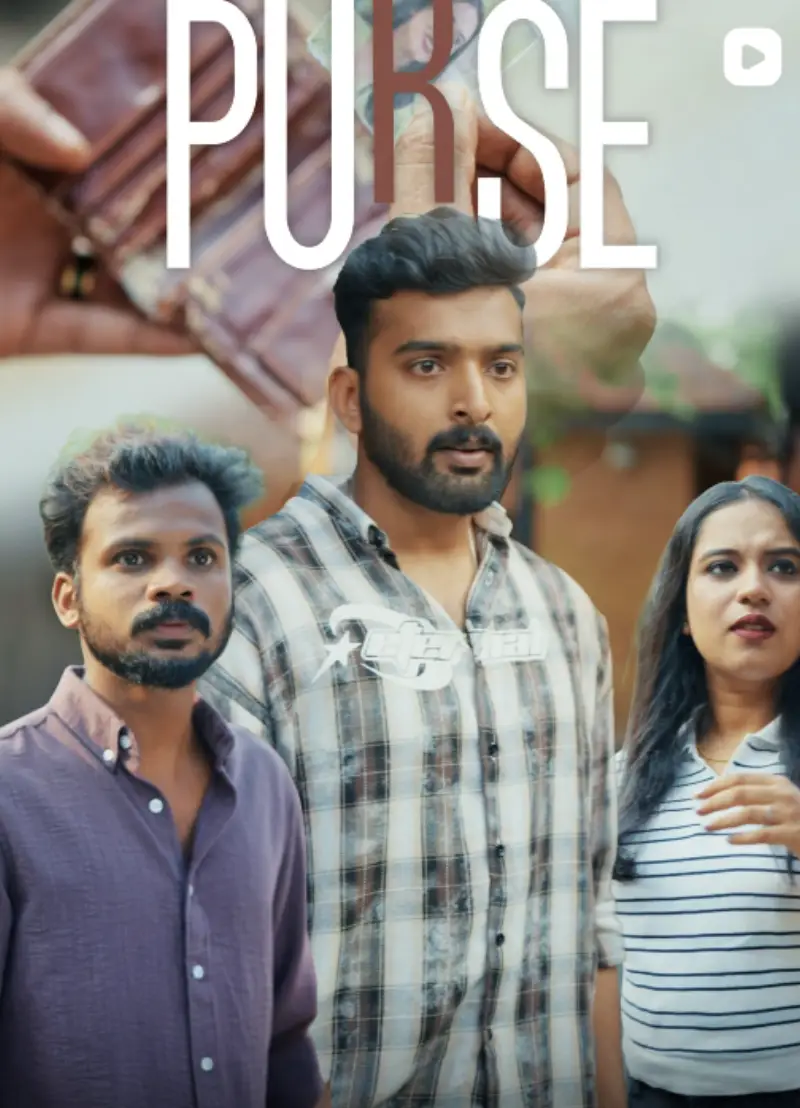
Student work from the Calicut floor
How to choose the best video editing academy in Calicut
- Do you learn one app, or the whole pipeline?
- Rootmedia teaches Premiere Pro for the cut and DaVinci Resolve for colour and Fairlight audio as one workflow, from card dump to delivered master.
- Do you edit real formats?
- Brand films, YouTube sequences and vertical reels — each cut in Premiere Pro, then graded and mixed in DaVinci Resolve, the way client work is delivered.
- Who reviews your edits?
- Mentors who still take editing briefs, marking each cut like a senior editor would.
- How big are the batches?
- Small offline batches at HiLITE Business Park, Kozhikode, so every timeline gets looked at.
- What do you leave with?
- A showreel and a finishing workflow you can send to an agency or a client, not a folder of tutorials.
- Is a job 'guaranteed'?
- Be wary of guarantees. Rootmedia trains you to be agency- and production-house ready, with mentorship and portfolio guidance, and does not promise guaranteed employment.
Where the video editing course runs in Calicut
Two Rootmedia floors in HiLITE Business Park on the Kozhikode bypass. Kozhikode and Calicut are the same city. Students come from across Malabar: Malappuram, Kannur, Wayanad and Thrissur.
Location 1 · World Trade Center
Rootmedia 4th Floor, World Trade Center HiLITE Business Park, Kozhikode Kerala 673014, India
DirectionsLocation 2 · HiLITE Business Park
Rootmedia 4th Floor, Tower 2, HiLITE Business Park Kozhikode Kerala 673014, India
DirectionsVideo Editing Course in Calicut: FAQs
Which is the best video editing course in Calicut?
The best course is the one that ends with work you can show. Compare institutes on four things: whether they teach both the cut and the colour, whether you edit real client formats, who reviews your timeline, and how big the batch is. Rootmedia teaches Premiere Pro and DaVinci Resolve as one pipeline, in small offline batches at HiLITE Business Park, and ends in a showreel.
Can I learn video editing in 3 months?
Yes, enough to work. The Rootmedia track is 14 weeks (about three and a half months) and takes a complete beginner from bins and timelines to a graded, mixed showreel. Speed after that comes from editing every week.
Which course is best for video editing: Premiere Pro or DaVinci Resolve?
For a job, both. Agencies in Calicut mostly cut in Premiere Pro; colour and finishing happen in DaVinci Resolve. This course teaches the two together, with round-tripping between them.
Can a video editor earn 1 lakh per month?
Some experienced editors do, usually senior agency editors or freelancers with a strong showreel and repeat clients. Beginners start well below that. Rootmedia doesn't quote salary figures. The course's job is to get you to a showreel that wins the first paid work.
Is this video editing course in Calicut suitable after 12th?
Yes. No prior experience is needed. Many students join after 12th or during a degree, and the first weeks start from zero.
Where is the video editing course in Calicut held?
In person at Rootmedia, 4th Floor, World Trade Center, HiLITE Business Park, Kozhikode (Calicut), on the Kozhikode bypass. Kozhikode and Calicut are the same city. Call +91 62385 94886 or open the Maps link on this page for directions.
What is the video editing course fee in Calicut?
Fees depend on the batch and on whether you take the full track or a shorter programme. Rootmedia shares the current fee on call or WhatsApp (+91 62385 94886) rather than printing a number that goes out of date.
Is this a Premiere Pro course or a DaVinci Resolve course?
Both, taught as one pipeline. Premiere Pro for the cut, then a round-trip into DaVinci Resolve for grade, Fairlight mix and delivery — because that is how the two are actually used together on a job.
What do I finish the video editing course with?
A showreel — you select, sequence and finish work that can be sent to an agency or production house, rather than a folder of exercises.
Do I need editing experience to join?
No. The track starts at bins and timelines. Working Premiere editors use it to add a real DaVinci grade without unlearning the cut they already know.
Do I need my own laptop?
Bring one if you have it — you will work faster on a machine you know. There are workstations on the floor for sessions, and we will tell you what a sensible edit spec looks like before you spend money on one.
More video editing courses at Rootmedia
- Motion Graphics30 days · 60 hrs · OfflineType in time — kinetic titles, lower thirds, stings and branded motion.
- AI Video Editing30 days · 60 hrs · OfflineWhere AI genuinely saves hours in an edit — and where it still makes things worse.
- Video Editing Routine Program30 days · 20 hrs · OnlineThe one online track — built for practice volume rather than floor time, so you can keep a job while you learn the desk.
- Ad Creation30 days · 60 hrs · OfflineCutting for advertising — hooks, lengths and versions per placement.
- Ad Edit14 days · 28 hrs · OfflineAn edit intensive aimed squarely at ad deliverables.